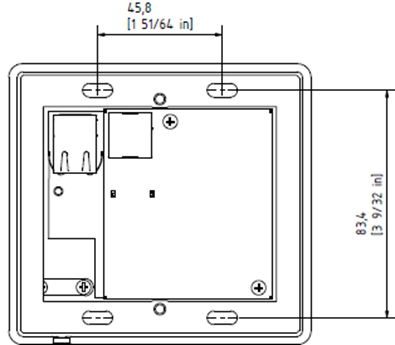
Description
Connect the microphone to the microphone port on the rear panel of the micnode mini device .
Rear panel with connected microphone cable:
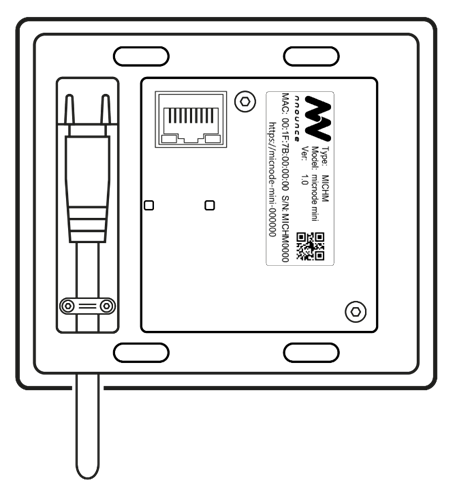
- Remove the two screws holding the clamp for cable fixing on the rear panel.
- Connect the microphone to the port marked as MIC.
- Secure the microphone cable with the clamp for cable fixing with the two screws.
- Push the cable through the cutout in the chase.
Use the magnetic docking plate on the front panel to position the microphone.